
EAv3.2
$26.99Only 5 left
Dashboard X MT5 EA for MetaTrader 5
$26.99Delivers: compiled .ex5, setfile, user manual. No source code.
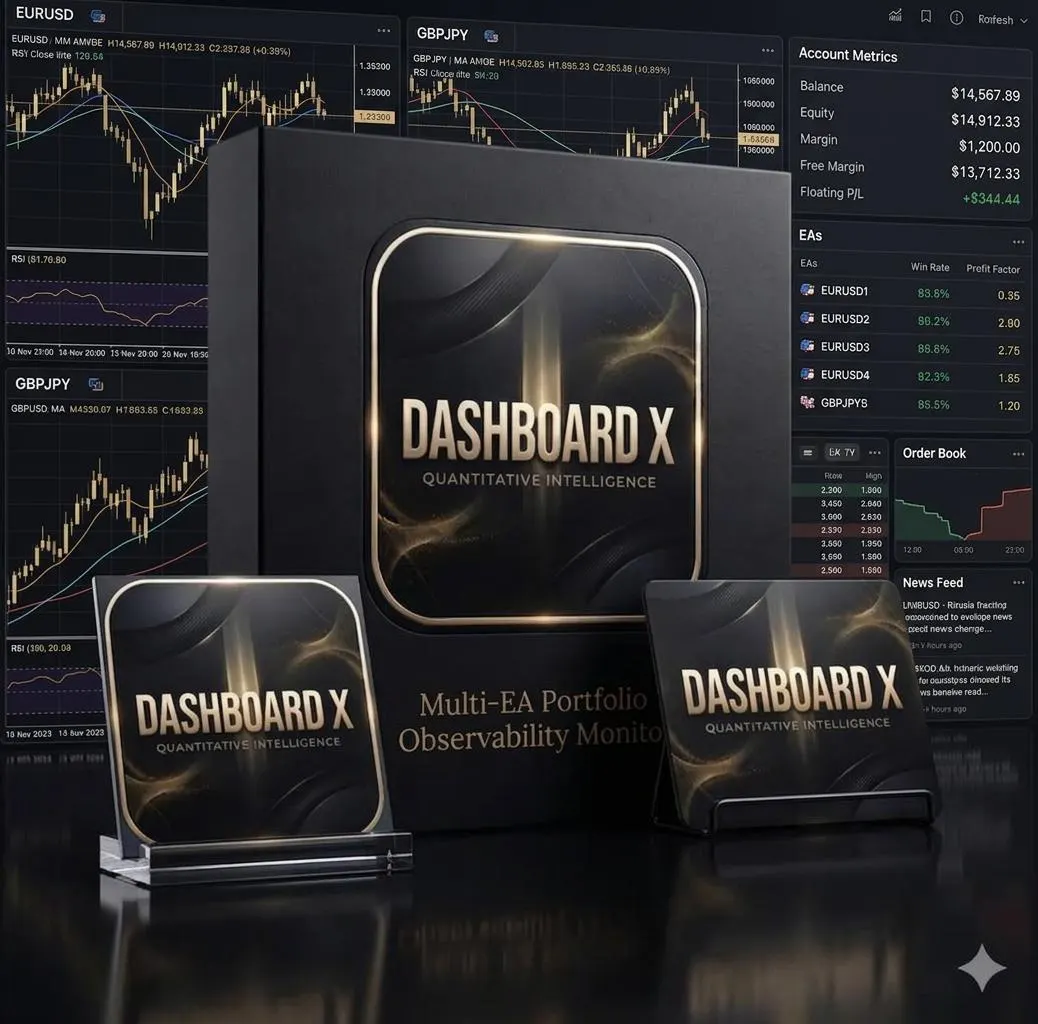
Dashboard X — Multi-EA Portfolio Observability Monitor
Running several EAs on one account and tired of alt-tabbing between charts to know where you actually stand? Dashboard X turns any chart into a full-screen account command center — real-time balance, equity, today's and monthly P/L, open positions, drawdown, and risk exposure, all in one adaptive view.
This is a monitor, not a trading robot. Dashboard X places no orders, modifies no positions, and closes nothing. It only reads your account state and closed-deal history and draws. Zero OrderSend , zero PositionModify — verified, not just claimed. Safe to run on the same terminal as your live trading EAs; it does no per-tick work at all, so it adds zero latency to anything that actually trades.
Full-screen by design. Unlike a small corner panel, Dashboard X takes over the chart entirely — hides the candles, grid and price scale — and rebuilds itself live as you resize the window, from a compact laptop screen up to a multi-monitor wall. One click restores your normal chart if you remove it.
What you get today:
Hero metrics — Equity, Today's P/L, and Month-to-date P/L in large type, each with a live progress indicator (margin utilization, win rate, portfolio health)
Overview tab — full account breakdown (balance, free margin, margin level, leverage) plus today's realized/floating P/L, win rate, trade count, average win/loss, and this month's ROI and max drawdown
Positions tab — every open position across every EA and symbol on the account, with live P/L, SL/TP, and duration
Risk tab — current and monthly drawdown, largest position, largest symbol exposure, margin utilization, and a composite portfolio health score
Portfolio tab — open exposure grouped by magic number, so you can see at a glance which EA is carrying the most risk right now
Persistent drawdown tracking — peak equity and max DD survive terminal restarts
Coming in a future update: realized P/L per EA (today/monthly) on the Portfolio tab, and the Analytics tab (equity curve, profit-by-EA, win/loss split) — both require a closed-history aggregation engine that's still in development. Marked clearly as "pending" in the UI rather than showing fake numbers.
Inputs:
InpHideChart — hide the price chart underneath (default: on)
InpShowGradient — panel background gradient (default: on)
InpDDWarnPct / InpDDDangerPct — drawdown thresholds for the amber/red warning colors
Works on any symbol, any timeframe — the dashboard reads account-wide data, not chart data, so the symbol you attach it to doesn't matter.
Free. Feedback and feature requests welcome in the comments — Analytics and per-EA realized P/L are the next things being built.
The download includes the EA, the setfile used for the published tests and a user manual covering installation, broker settings and every input.
Run it on a demo or cent account first to confirm the settings suit your broker and account size.

Noticeably adapts position sizing as volatility shifts -- not just a fixed-lot script.
Took a week of live tracking to trust it, but it's held up since.
Dashboard X v15.10 is a MetaTrader 5 Expert Advisor, an automated trading program, for Dashboard Panel/ Utilities.
The EA edition ($26.99) includes the EA file (.ex5), a PDF user manual. After payment you can download them from your account. Updates to the latest version appear in the same download library.
$26.99 USD for the EA. One-time payment with no subscription. Payments are processed by Stripe.
Checkout is handled by Stripe, which accepts Visa, Mastercard, American Express, Discover, Diners Club, JCB, China UnionPay, PayPal, Apple Pay (Safari), Google Pay (Chrome), Alipay, WeChat Pay, Cash App Pay and ACH bank debit. Your checkout page shows the methods available for your device and country automatically.
Add the EA to your cart, sign in with Google, and press Pay with Stripe. On the secure payment page choose card, PayPal or another listed method, and pay. Your download appears in your account as soon as payment is confirmed, normally within a minute.
No. Products are instant digital downloads, so all sales are final and not refundable once purchased. Ask the seller any question before you buy, and test on a demo account first.
MetaTrader 5 (MT5). It does not run on MetaTrader 4. See the installation guide for step-by-step setup.
No. No Expert Advisor can guarantee profit. Trading carries a high risk of loss, and backtests or past results do not predict future performance. Test on a demo account first.
New to Expert Advisors? Read the installation guide or browse all guides.